OneCommerce OneApp Studio
Your company’s app, without coding from scratch
OneApp Studio builds Android, iOS and web apps connected to your console: design screens with AI, define what each button does and publish with your own store accounts.
Talk to an expertWe have advised major brands in 16 countries




































Why your company needs OneApp Studio
-
AI-powered design
Describe the app you want and AI proposes the screens; then fine-tune every detail in the designer.
-
Three platforms, one design
Android, iOS and an installable web app from the same project.
-
Connected to your operation
Screens use data from your CRM, flows and systems through the OneMarketer backend.
-
Changes without waiting for the store
Content and design update on publish; only binary changes go through the store.
How it works
- 1
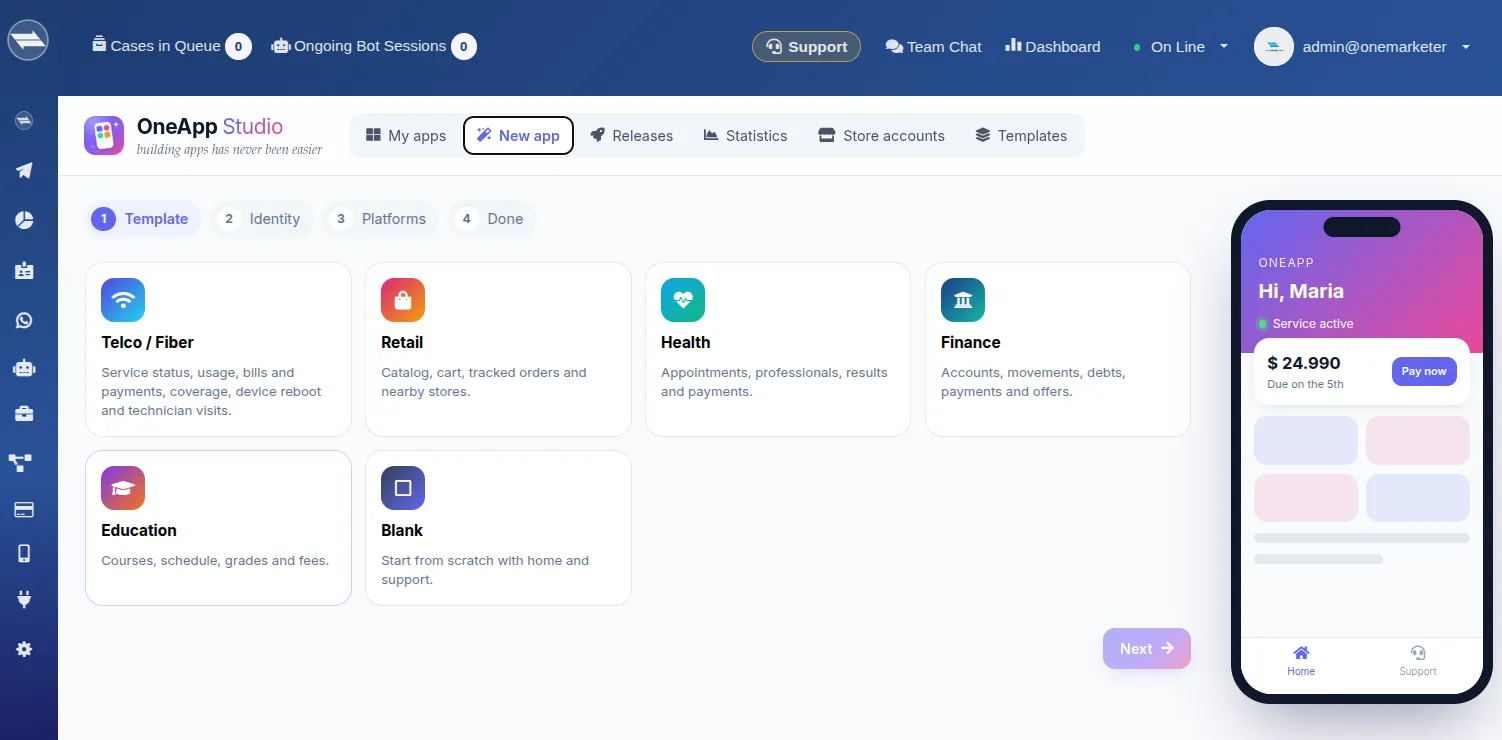
Pick a template or describe your app
Start from a template or ask AI for a first design.
- 2
Design the screens
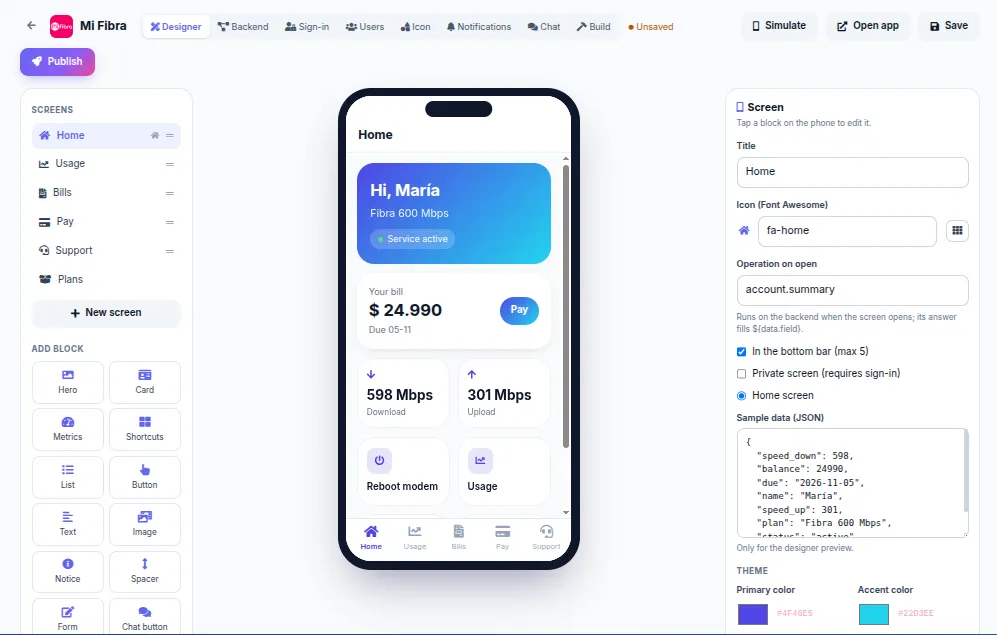
Adjust copy, colors, icons and navigation with a live phone preview.
- 3
Connect the backend
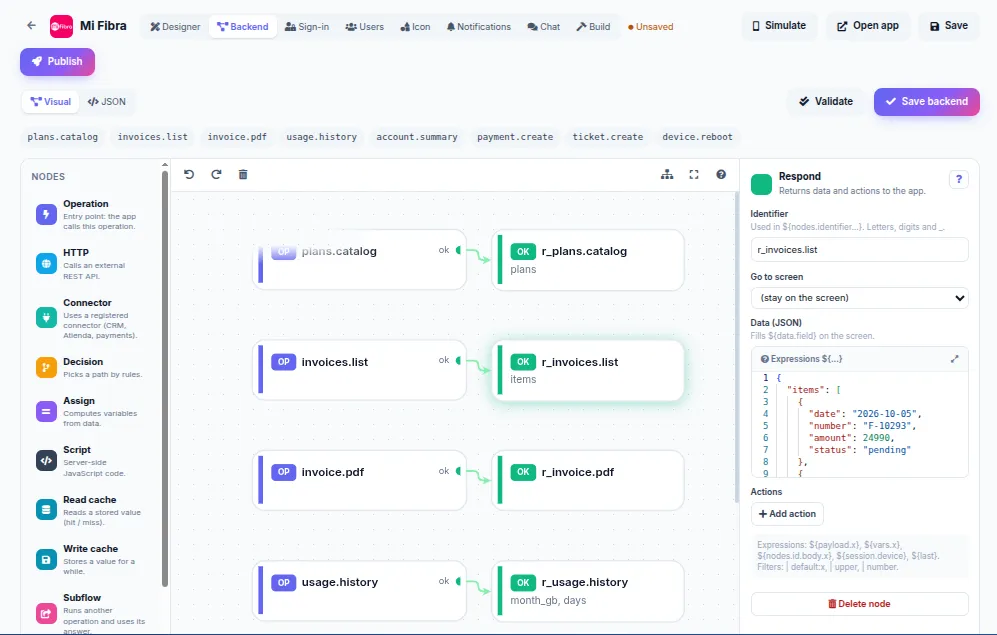
Define in a visual editor what data each screen reads and what action it runs.
- 4
Publish
As a web app instantly, and on Google Play and the App Store with your company’s accounts.
Features
-
Visual designer
Screens, components and navigation with a live preview.
-
Visual backend
Operations connected to your data and services, testable from the editor.
-
Sign-in
Access with password or one-time code, linked to your CRM customers.
-
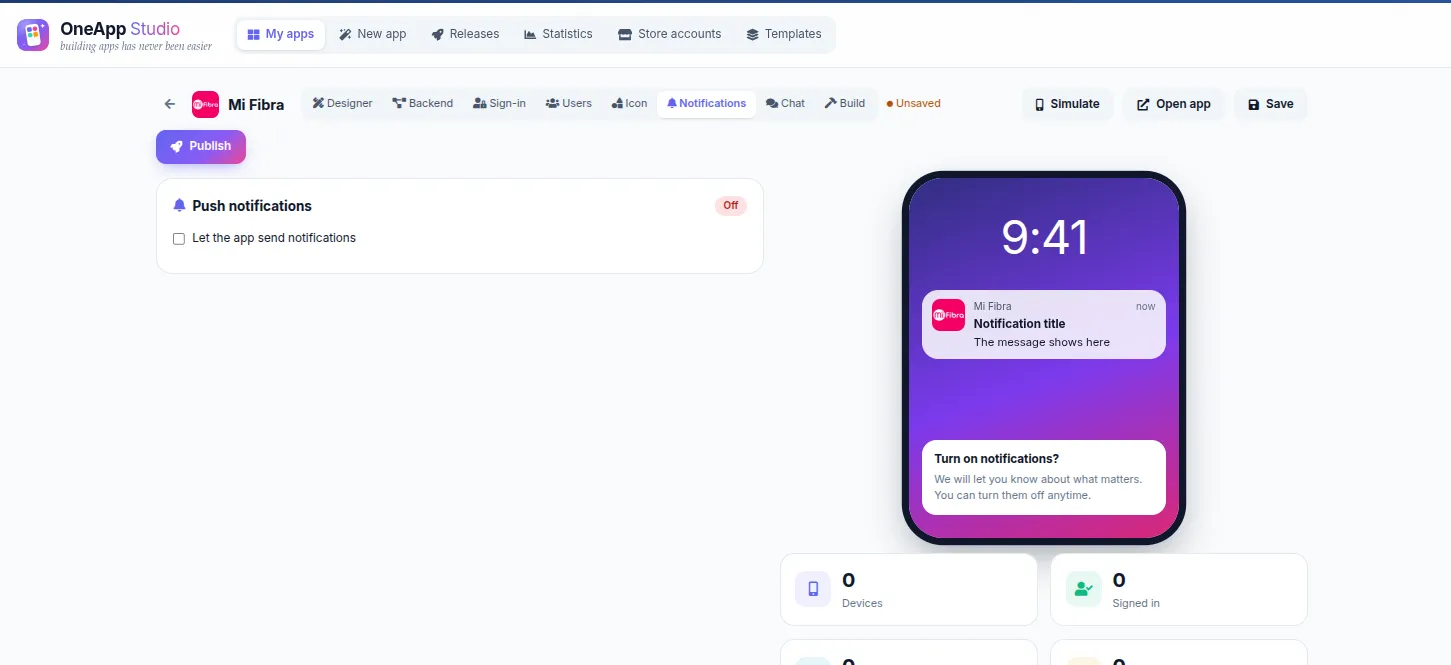
Push notifications
Push campaigns to everyone, registered users or specific people, with a link to a screen.
-
Payments
In-app charges with the integrated payment gateway.
-
Icon and branding
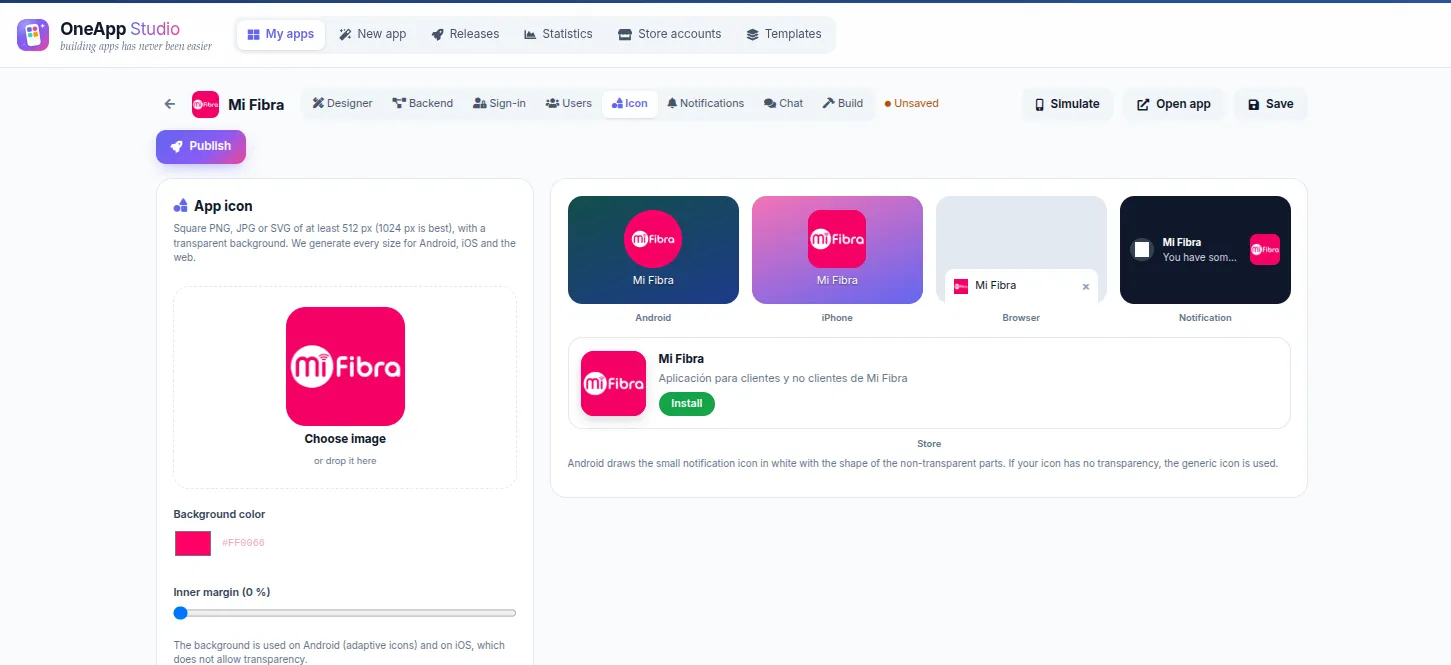
A custom icon per app in every format the stores require.
-
Offline mode
Cached content and data with a notice when there’s no connection.
-
Releases and stats
Publishing history, native builds and daily app usage.
See it in the platform
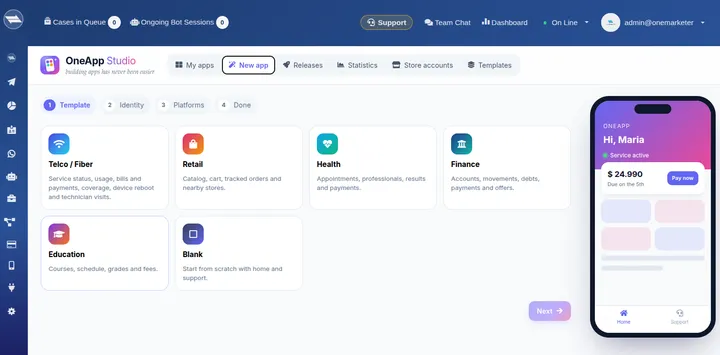 Industry templates to start in minutes
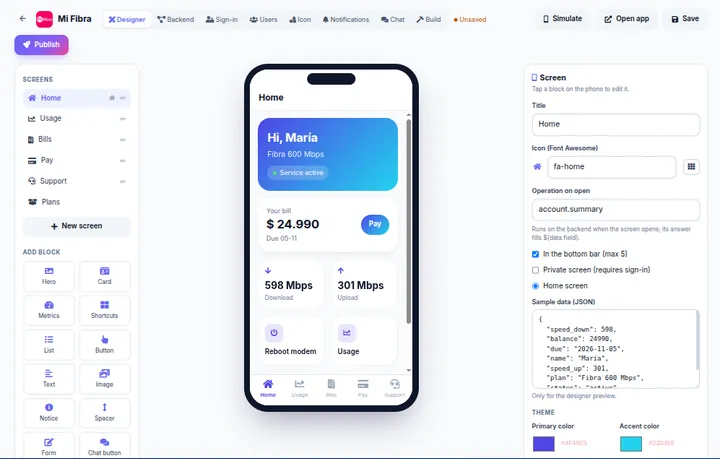 Visually design every app screen
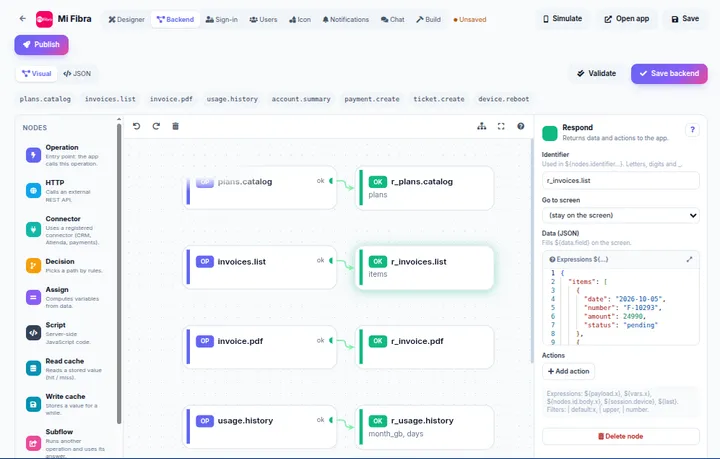 Backend flows for every app action
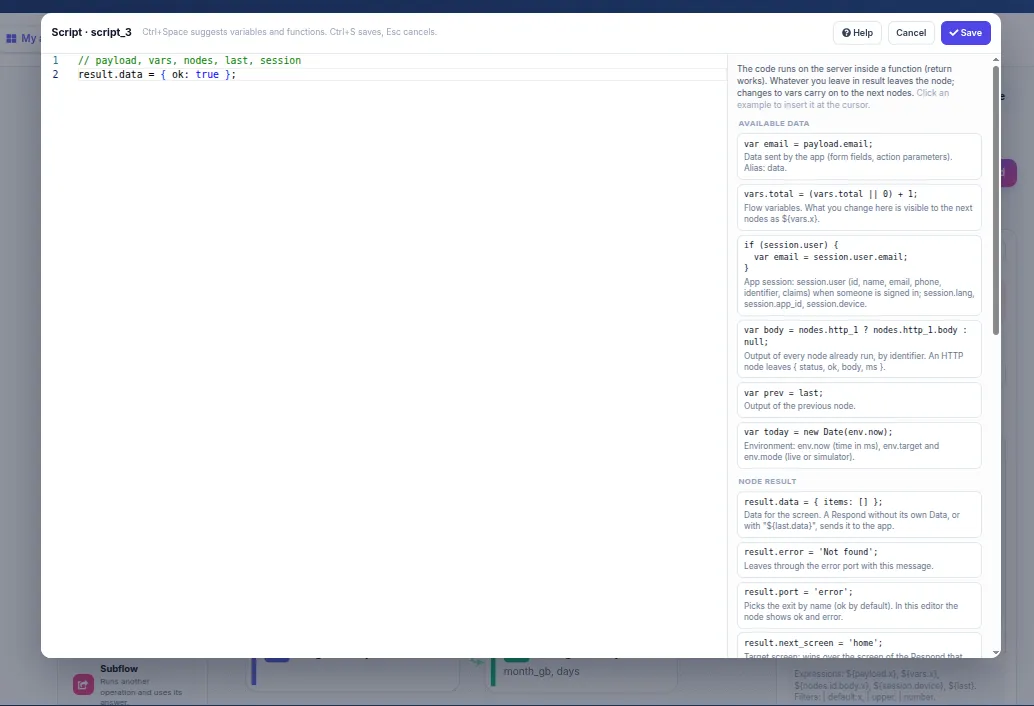
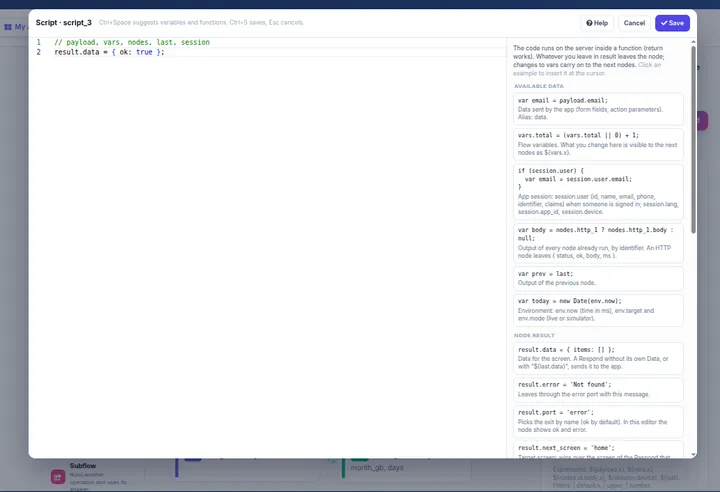 Your own code when you need it
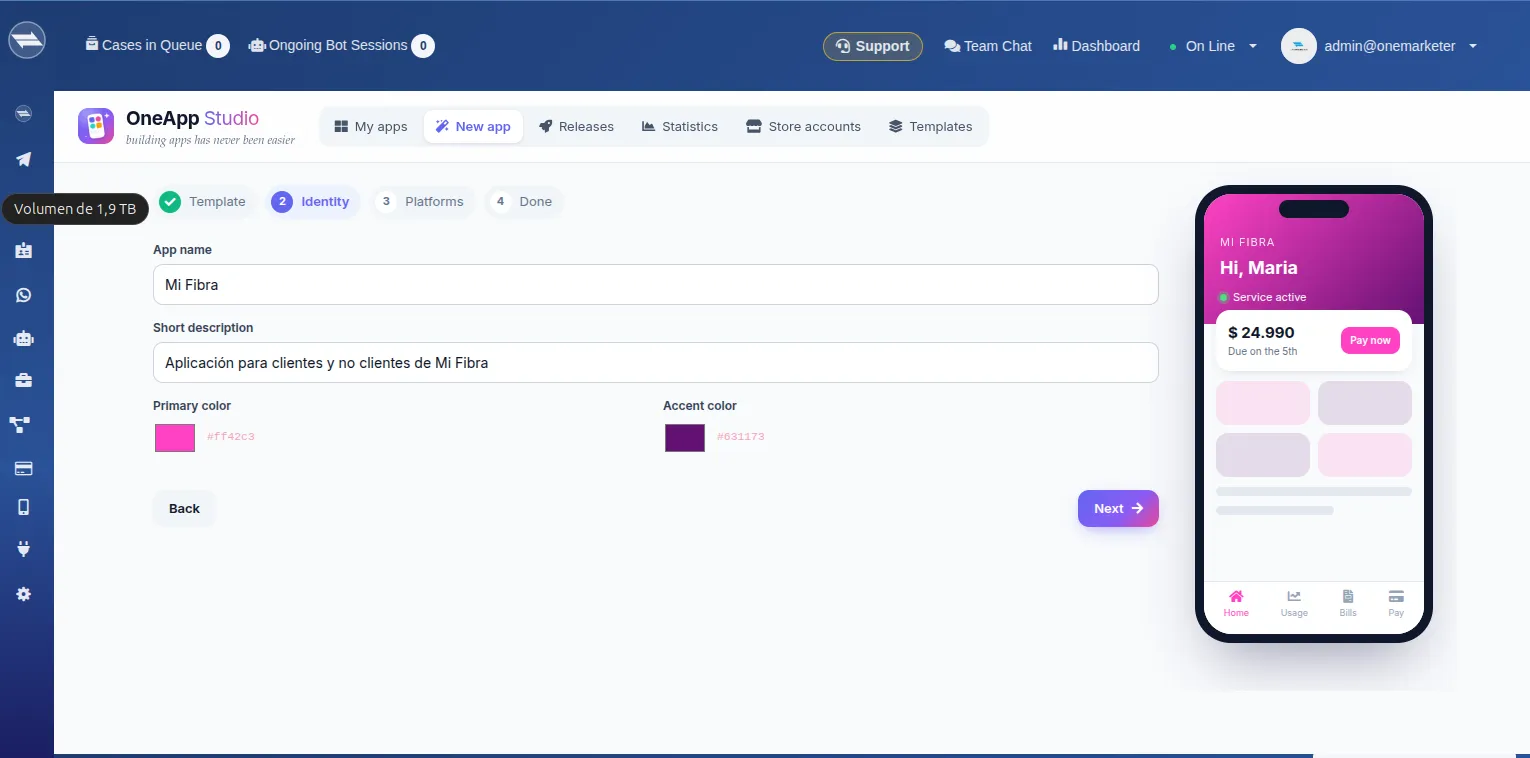
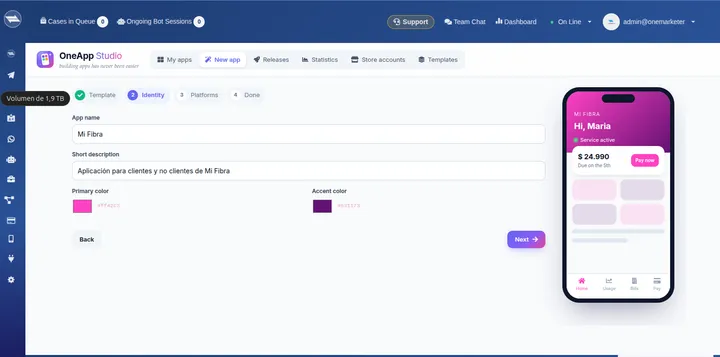 Your brand’s name, description and colors
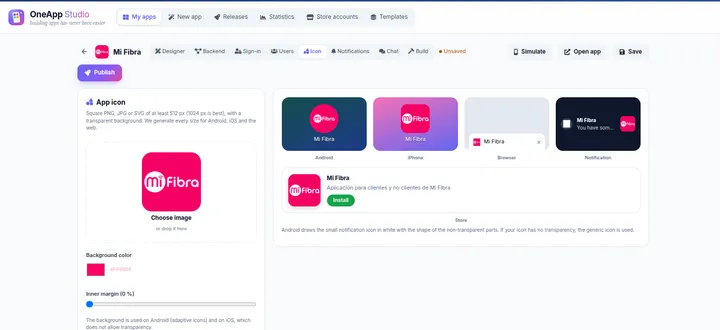 Logo and icons for Android, iPhone and web
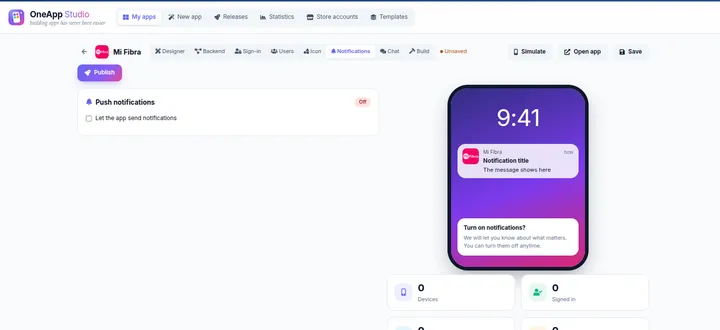 Push notifications
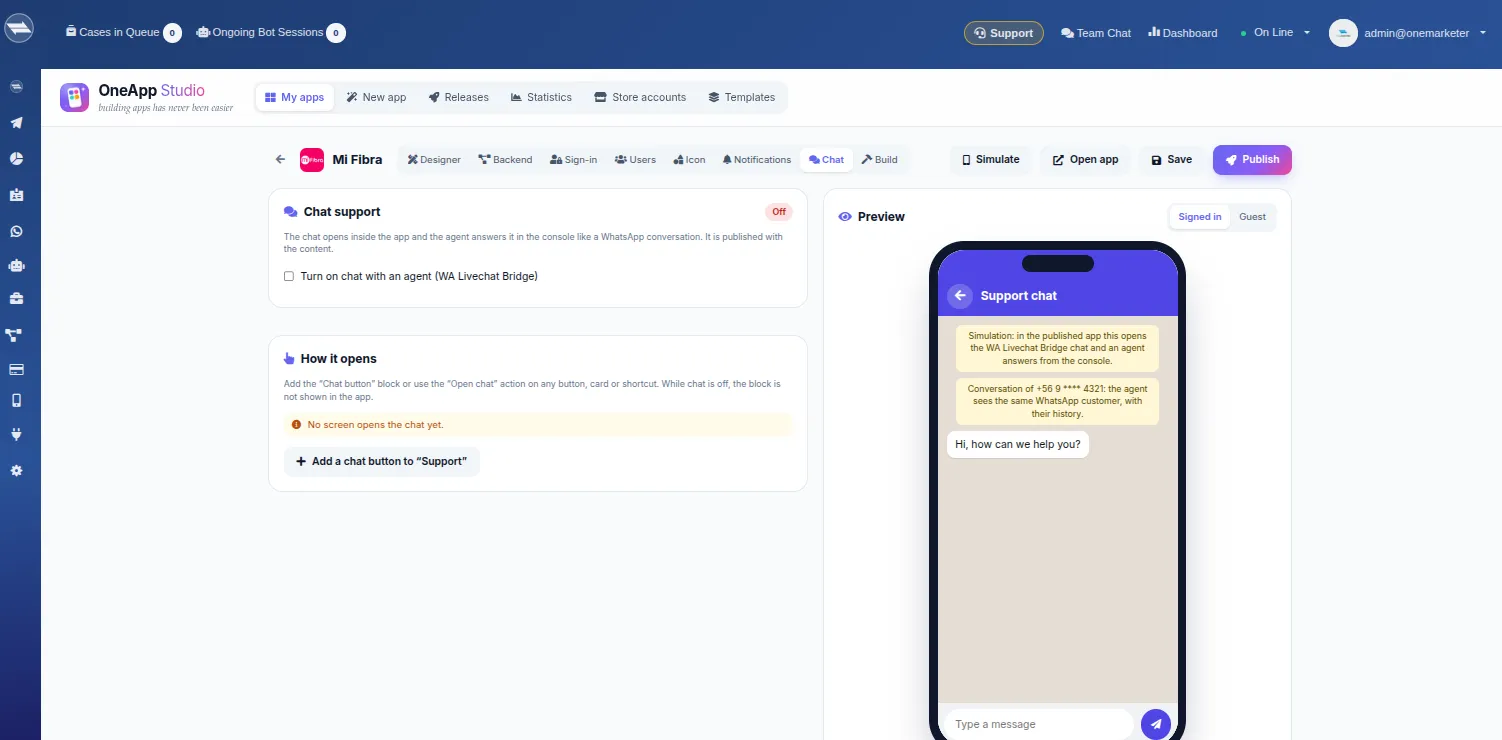
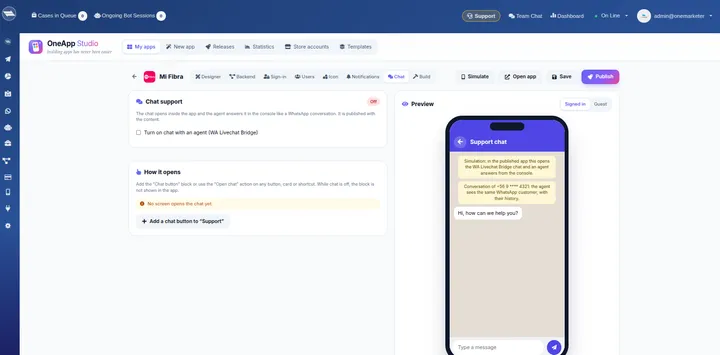 Support chat answered from the console
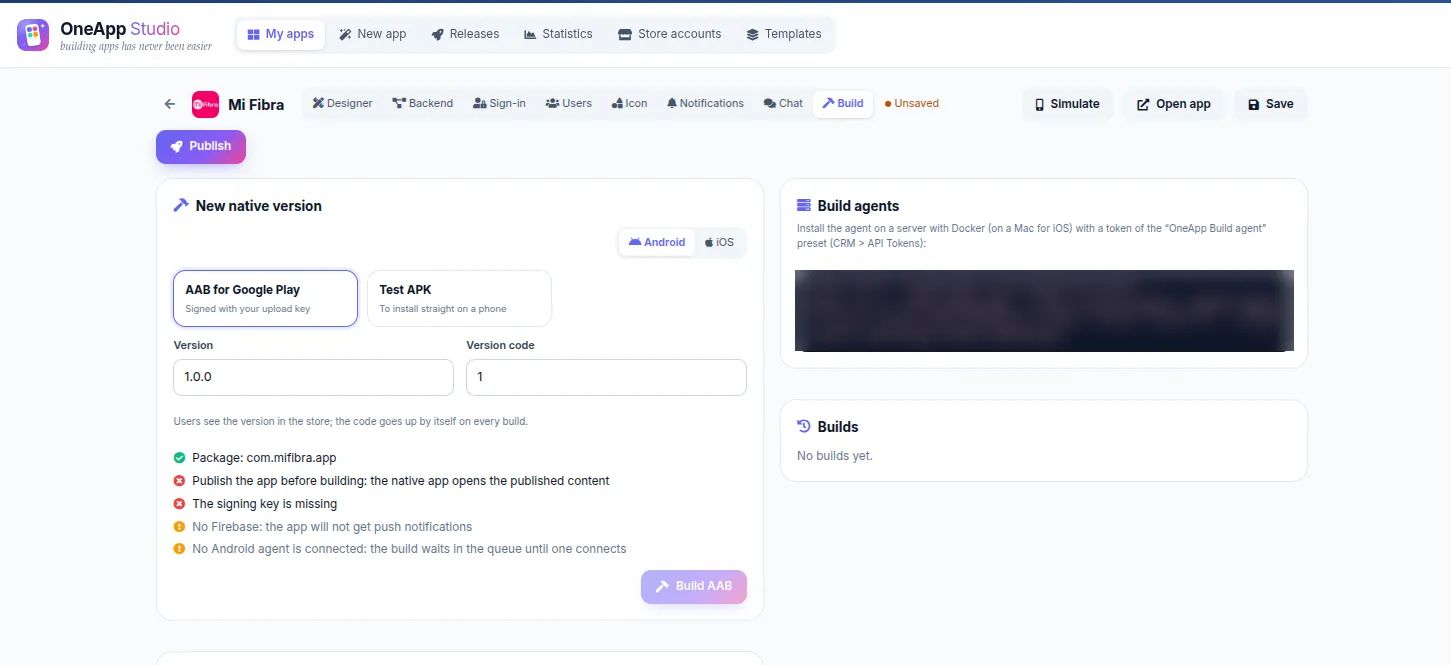
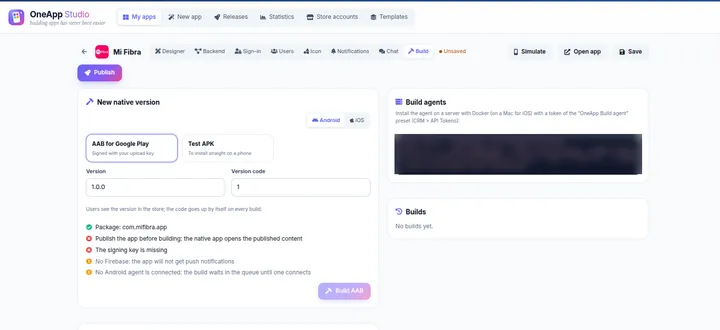 Build the native app for Google Play and the App Store
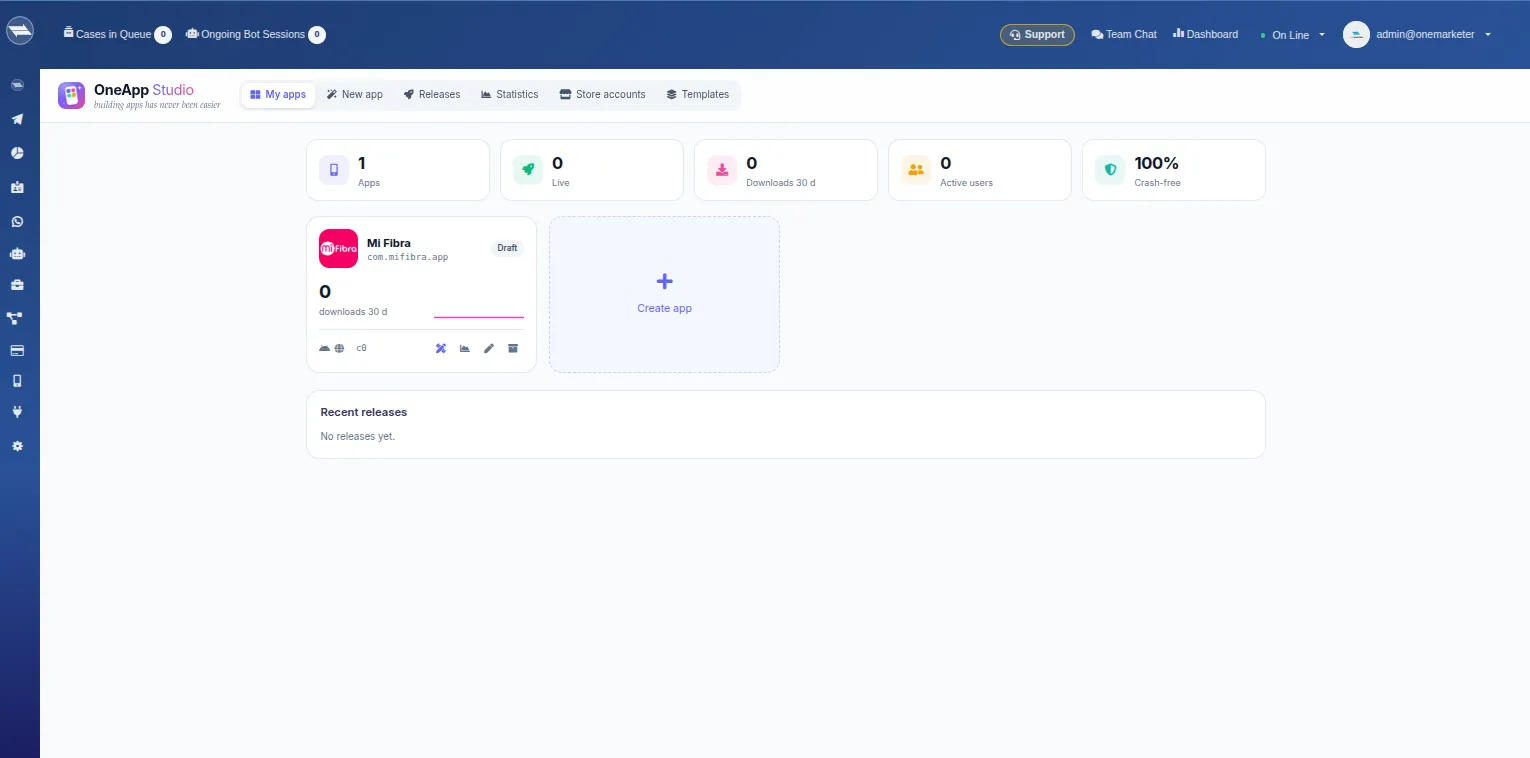
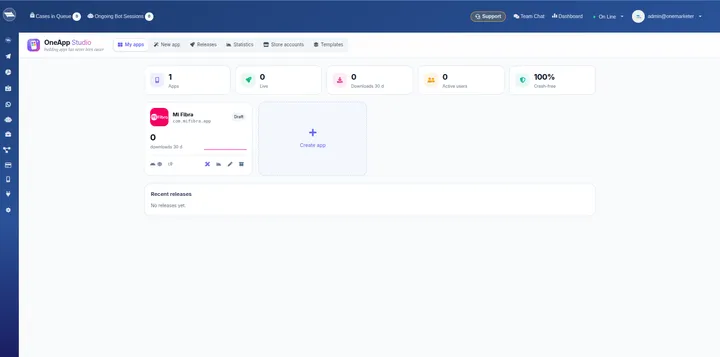 Your apps, downloads and releases in one panel
Use cases
-
Telecommunications
A self-service app to check plans, pay and request support.
-
Retail
Catalog, orders and payments with offer notifications.
-
Services and subscriptions
A customer portal with their account, payments and requests.
-
Health and education
Scheduling, notices and payments for patients or students.
Frequently asked questions
Is the app published under my company’s name?
Yes. You publish with your own Google Play and App Store accounts, and each app has its own name and icon.
Do I need developers?
Not to design and connect the screens. AI proposes the design and the backend is built in a visual editor.
Can I have more than one app?
Yes. You can create several apps, each with its own design, backend and releases.
Do changes require a new store release?
Only if the native part changes. Content and design update on publish, without going through the store.
Launch your company’s app with OneApp Studio
We’ll show you a first design of your app connected to your operation.
Request your demo