Social CX Joint
Digital face-to-face, built into every conversation
Joint adds video calls, voice and screen sharing to your WhatsApp, Instagram or LiveChat conversations. No extra apps, and every session logged in the case.
Talk to an expert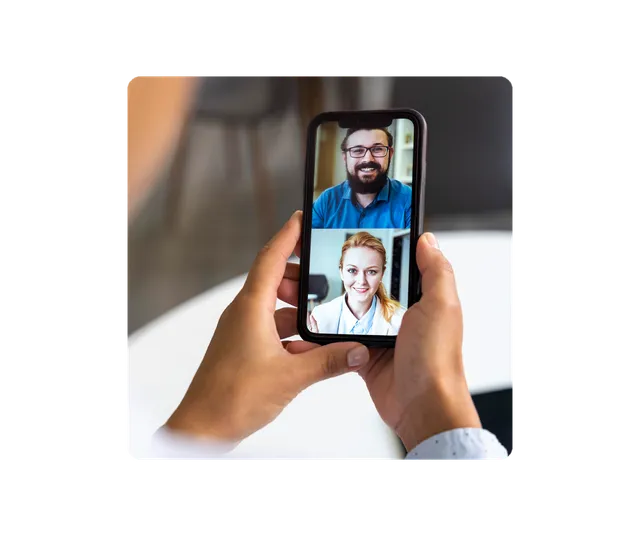
We have advised major brands in 16 countries





































Why add video calls to your service
-
Closeness when it matters
Face-to-face when the customer needs it, without anyone leaving where they are.
-
Faster resolution
Seeing and sharing a screen solves in minutes what chat can take days to solve.
-
Text, voice and video together
Everything in the same history, no separate platforms or lost context.
-
Operational control
Every video call is logged, measurable and linked to the customer’s history.
How it works
- 1
The agent invites
From the conversation they create a video or voice link and send it to the customer.
- 2
The customer joins from the browser
No app downloads, with your brand’s logo in the room.
- 3
They talk and share screens
Camera, microphone and the agent’s or customer’s screen to resolve without ambiguity.
- 4
The session stays in the case
Linked to the customer profile in Social CX for follow-up and audits.
Features
-
Invite from the chat
Launch video or voice from WhatsApp, Instagram or LiveChat in one click.
-
No downloads
Customers join from their phone or computer browser.
-
Screen sharing
Visual remote assistance by sharing the agent’s or the customer’s screen.
-
Logged session
Every video call is traced in the case history for future audits.
-
History in the CRM
Video calls appear in the customer profile next to their chats and calls.
-
Session reporting
Duration, resolution and satisfaction for every video call.
Use cases
-
Banking and insurance
Account opening and identity checks as in a branch, without going to one.
-
Healthcare
Frictionless telemedicine, with closeness and trust.
-
Retail and e-commerce
Sales reps show products live and guide the customer to checkout.
-
Technical support
Visual diagnosis with screen sharing to resolve on the first interaction.
Frequently asked questions
Does the customer have to download an app?
No. They join the video call from their phone or computer browser using the link the agent sends.
Which channels can I start a video call from?
From WhatsApp, Instagram or LiveChat conversations in the Social CX console.
Can screens be shared?
Yes. Both the agent and the customer can share their screen during the session.
Where is the session logged?
In the case history and the customer profile, next to their chats and calls.
Turn every video call into a trusted experience
Book a call and we’ll show you Joint working from your channels.
Request your demo