OmnIA Meta Business Agent
Meta’s AI agent, managed from your console
Meta Business Agent serves customers on your WhatsApp number with Meta’s AI. With OneMarketer you configure, test and supervise it without leaving the platform, with handoff to your human agents.
Talk to an expert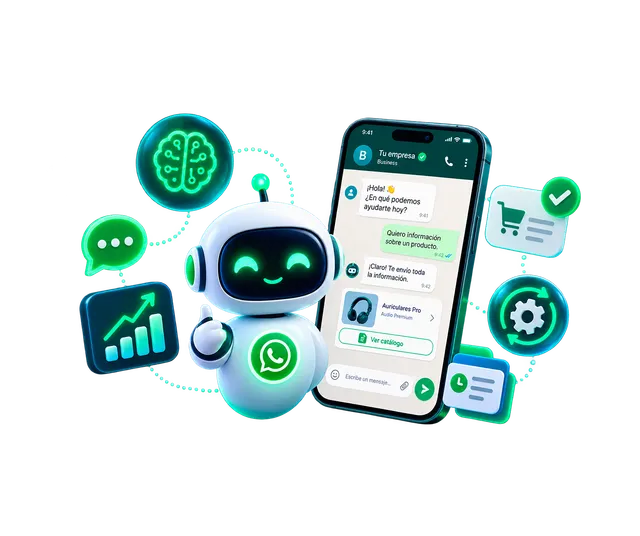
We have advised major brands in 16 countries





































Why manage Meta Business Agent with OneMarketer
-
Everything in one place
Business information, FAQs, skills and connectors managed from the same console.
-
Hybrid service
When Meta’s agent can’t resolve, the conversation moves to your team in Social CX with full context.
-
A profile per use case
Prepare several agent profiles by campaign, season or language and activate the one you need.
-
No-surprise changes
Before activating a profile you see exactly what gets created, kept and deleted.
How it works
- 1
Connect your number
Link your WhatsApp Business number to Meta’s agent from OneMarketer.
- 2
Train the agent
Load business information, FAQs, skills, websites and connectors.
- 3
Test it
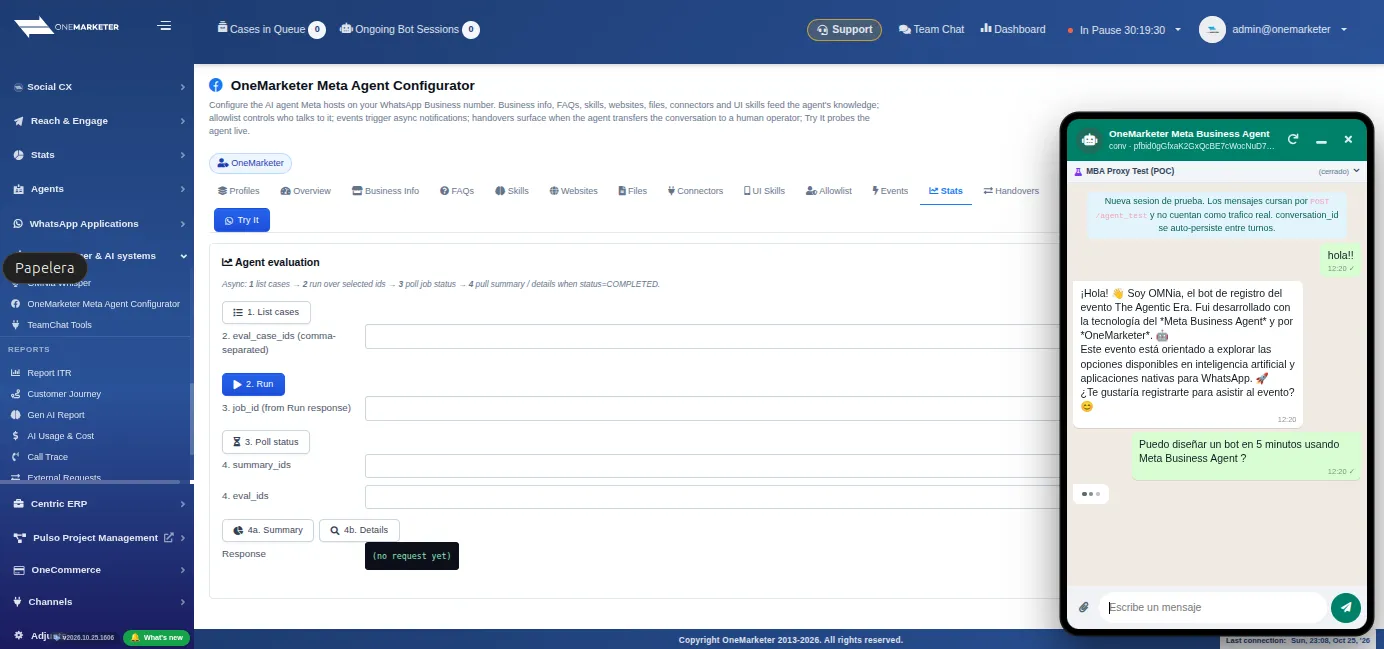
Chat with the agent in a WhatsApp-style window before exposing it to customers.
- 4
Supervise
Review events, statistics and human handoffs to fine-tune the agent.
Features
-
Business information
Company details, hours and policies the agent uses to answer.
-
FAQs and skills
FAQs and skills edited as drafts and published when they’re ready.
-
Connectors
Connect the agent to your systems so it looks up real information during the conversation.
-
Multi-agent profiles
Clone, export and import full profiles and activate one with a preview of the changes.
-
WhatsApp-style testing
A test window with buttons, lists, images, documents and templates as customers see them.
-
Human handoffs
A log of every handoff between Meta’s agent and your team, with the option to hand it back.
-
Multiple numbers
Each WhatsApp number can have its own agent configuration.
-
Statistics
Agent events and messages measured separately in your WhatsApp reports.
See it in the platform
Use cases
-
Retail and e-commerce
FAQs, shopping guidance and claims with handoff to sales or support.
-
Banking and insurance
Product and requirement inquiries, routed to an agent for sensitive operations.
-
Telecommunications
First-line support and bill inquiries, with escalation to retention.
-
Travel and services
Hours, bookings and FAQs answered on WhatsApp at any time.
Frequently asked questions
What is Meta Business Agent?
It’s the AI agent Meta runs on your WhatsApp Business number. OneMarketer lets you configure and supervise it.
Can I have more than one agent?
Meta allows one active agent per number, but in OneMarketer you can prepare several profiles and activate the one you need.
What happens when the agent can’t answer?
The conversation moves to your team in Social CX with the full history, and you can hand it back to the agent later.
Can I test it without affecting customers?
Yes. The test window simulates WhatsApp so you can validate answers before activating it.
Let’s design your Meta Business Agent
We’ll show you how to configure, test and supervise Meta’s agent on your WhatsApp number.
Request your demo